

Solution To “Unable To Load Data” Error
If you have reached this page it means you are experiencing the “Unable to load data. Tap to retry” error when trying to view the barcode. We have created this page to help you resolve the problem.
To begin with, you need to understand that the cause of the error is corruption on the Samsung watch, not a problem with the app! A Samsung corruption bug affects apps (like ours) that store a complex image in memory (i.e. the barcode). We have notified Samsung but have not heard back. The problem began with a Galaxy watch update in mid-2019, and remains today.
This page lists causes and solutions from 1 to 3, with 1 being the most minor, and 3 being the most severe. We recommend attempting the solutions in order starting at 1. If the problem is resolved then there is no need to go any further. Otherwise move to the next solution. The most common problem is #2, and results from a Samsung Store error during app update.
We regret the inconvenience and wish we could solve this for Samsung – but we can’t.
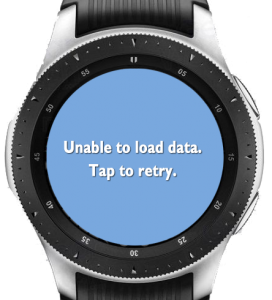
1. Watch battery run flat
This problem can occur if the watch battery is run completely flat. When this happens the Samsung operating system might corrupt “user memory” – which is the area where your barcode is kept. The solution is to remove the barcode and recreate it as follows:
2. Samsung store failure (during update)
This problem often occurs if the Samsung Store glitches while downloading an app update. We OFTEN hear from customers who encounter the “Load Data” error following an update from the Samsung store. The solution is to remove the app from the watch and re-install it:
3. Galaxy Watch firmware damage
This problem can occur if the operating system on the watch becomes damaged (for one of many reasons). The only solution is to factory reset the watch, and re-install everything:
Please note that if this solution does not work for you, then you will have to contact Samsung to have your watch repaired. We have supported 3 different people who experienced this problem, and after sending their watches back to Samsung for repair everything worked perfectly. This appears to happen to 1 in every 2000 watches.